

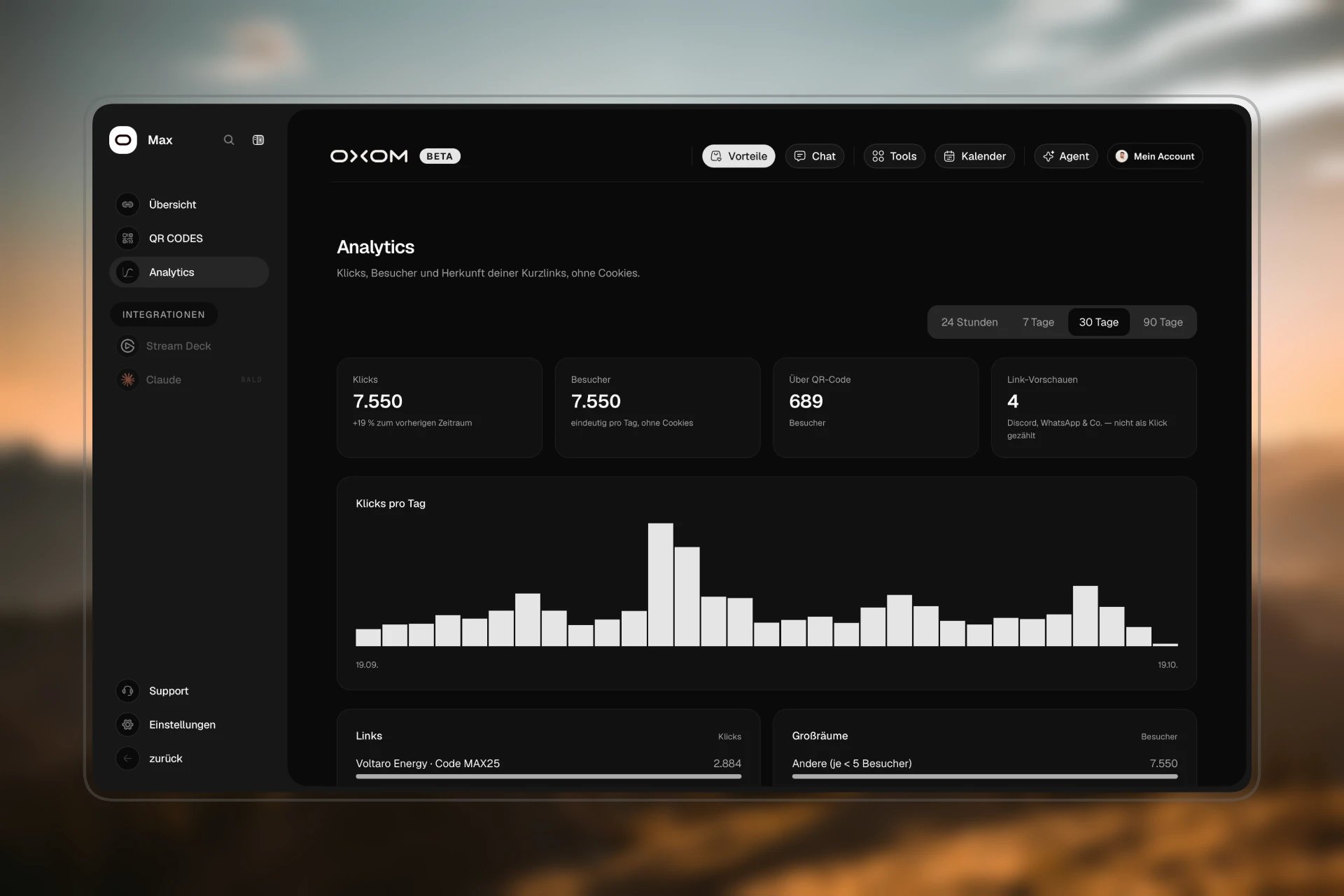
The numbers
Below that: Klicks im Zeitverlauf (clicks over time).
From where and with what
Tracking campaigns
Add?utm_campaign=... to a link, e.g. yourname.link/merch?utm_campaign=story. Then Kampagnen shows you how many clicks came from the story and how many from the video description. The addition is not passed on to your target.
Privacy
- No cookies, so nobody needs a cookie banner.
- Visitors are only counted per day as an anonymous value, not tracked.
- Origin, devices and sources only appear from 5 distinct visitors. Smaller values are grouped under “Andere” (other). That way nobody can be identified individually.
- Clicks are deleted after 90 days.